| CompSci 190 Fall 2022 |
Programming Games FOCUS Section |
Turtle House
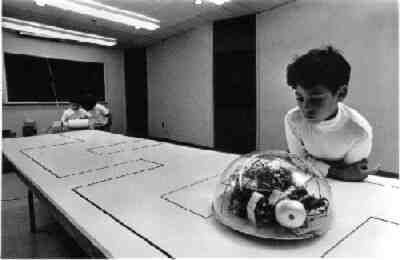 Logo is a computer programming language designed to teach programming to children. It is a user-friendly, interpreted language, designed with a "low floor, high ceiling"; in other words, the designers of Logo intended for the language to allow novice programmers to get started quickly writing programs but also wanted the language to be powerful and extensive for more advanced users. In the last 50 years, Logo has also caused people to think differently about how to teach geometry, social science, and complex systems. There are several variations of Logo, including: running on an iPad, controlling millions of turtles, turtles in 3D worlds, and a toy car that follows logo commands.
The basic commands to move and turn a "turtle" (originally a physical robot) are so much a part of programming history that they have been incorporated into almost every modern programming language, Python included. We will use this basic system to explore programming and build games. Examples of using the turtle are given in the course textbook and you can use any of the Revise&Run code boxes in the text book to complete this part if you do not yet have PyCharm installed.
Try It!
Define a function to use the turtle to draw a rectangle, given numbers for its length and width. For example, the following calls to your function draws the two rectangles shown below:
rectangle(yurtle, 100, 50)
rectangle(yurtle, 60, 150)
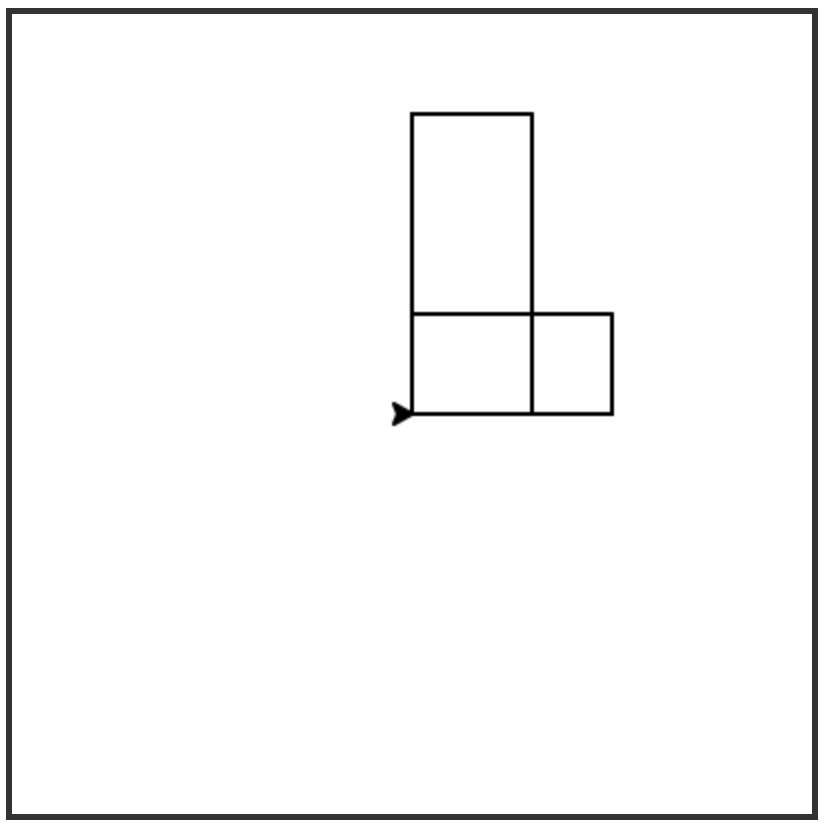
Using your rectangle function and any other functions written during class or that you want to write to help you, create a Python program to draw a house with the turtle. A basic example is shown below, but feel free to embellish yours as much as you want.
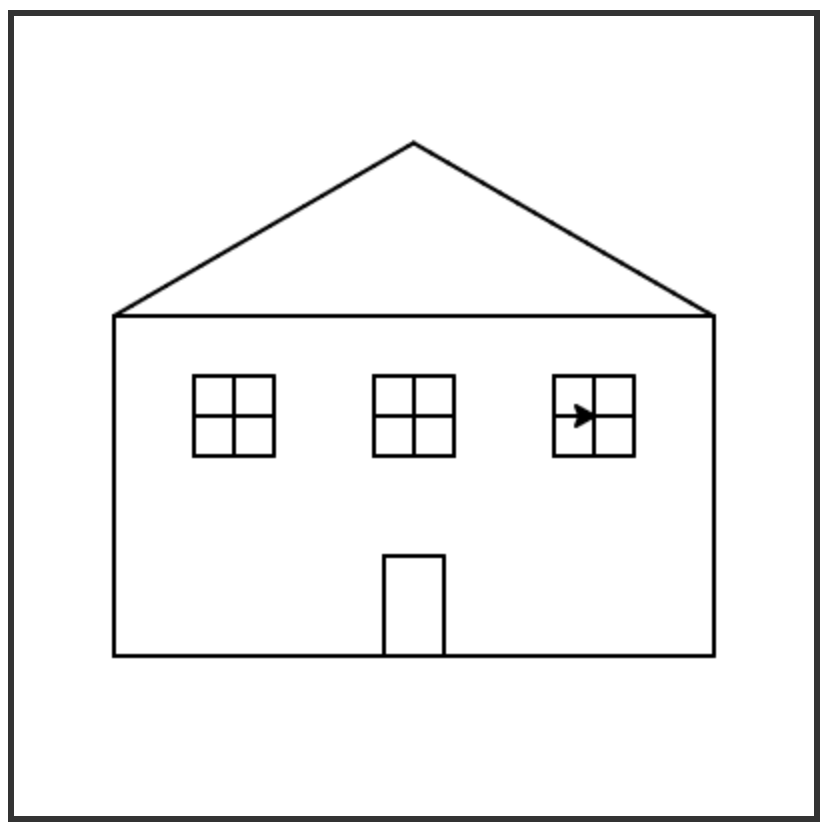
If you want an extra challenge, write more functions so that you can easily make a house with multiple floors or a neighborhood of similar looking houses.
Note
If you are using PyCharm for this exercise, you will need to add the following lines to your program:
- First:
import turtle
screen = turtle.Screen()
- Last:
screen.exitonclick()

|
Last modified 06 Sep 2022 |

|